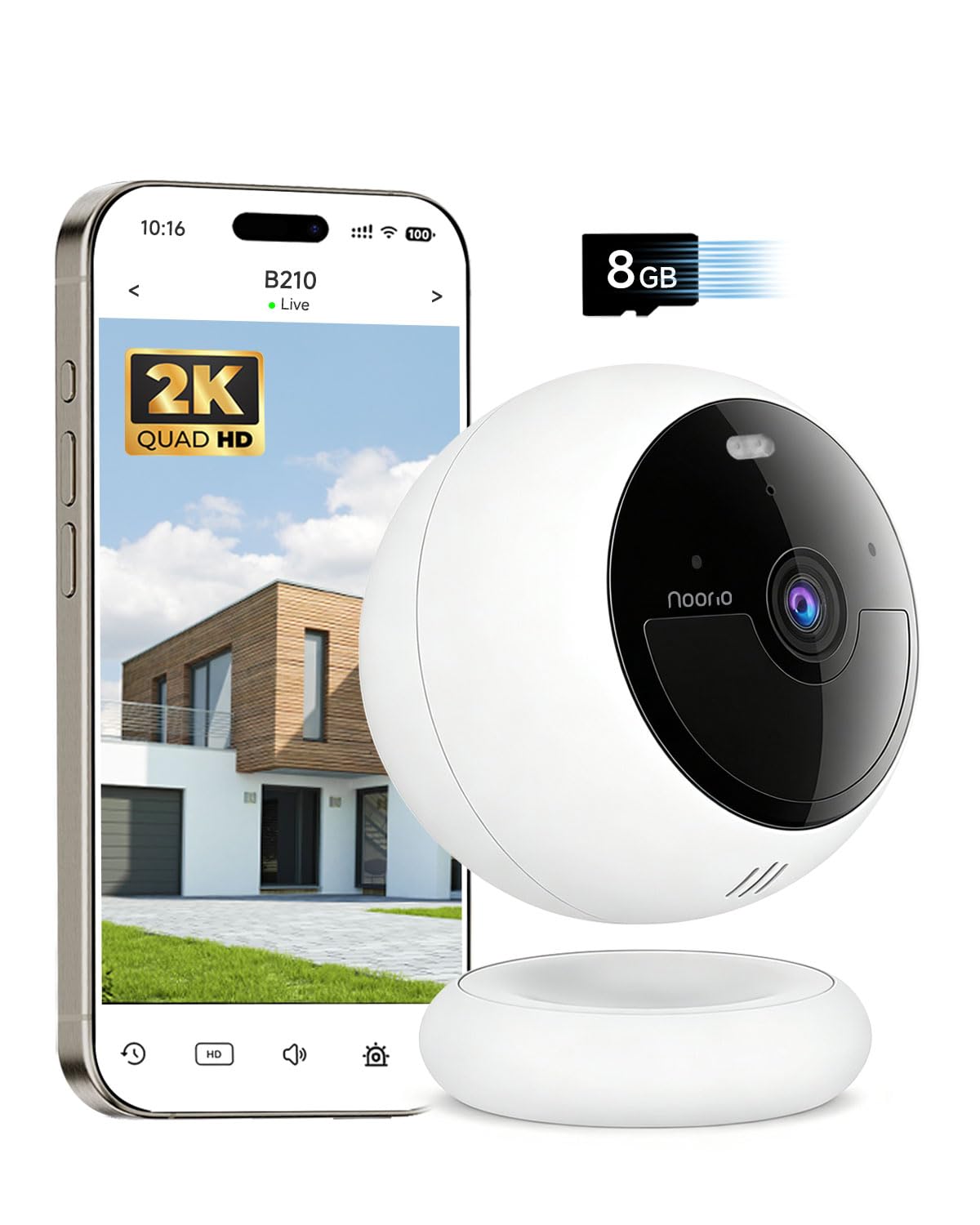
Watching over the outside of a home or business without paying a monthly subscription or buying a separate microSD card just to review old footage — an alternative to this catalog's TP-Link Tapo C402 outdoor camera for anyone who'd rather have free local storage from day one.
Outdoor camera
Local storage
No subscription
What is it and what's it for?
It's another outdoor security camera — like this catalog's Tapo C402, it's a guard watching your door, yard, or storefront entrance without needing new wiring, since it runs on battery. The real difference is how it stores what it records: instead of forcing you to buy a separate memory card or pay a monthly subscription to review old footage (like the Tapo C402 does), this camera already comes with its own built-in 'memory' — 8GB, good for around 3,000 short clips, at no extra cost and no monthly fee. One catch: that storage is local only, with no cloud backup, so if the camera breaks or gets stolen along with the recording inside it, whatever was saved is gone too.
Real-world use cases
At home
You mount it using the magnetic base on the metal frame of your front door, or, if the wall is a different material, with the included screw bracket instead. When something happens at night — someone rings the bell, a car pulls into the driveway — the app alerts you right away, and if you want to check what happened over a weekend you were away, the clip is already saved inside the camera, with no paid app to open first.
In a business or workshop
A storeroom, workshop, or small shop that needs to cover a few blind spots (the loading entrance, the parking area, a back gate) with two or three cameras: paying a cloud subscription for each one adds up fast month after month, so this camera's free local storage avoids that recurring cost multiplied by however many units you install.
How to avoid buying the wrong one
The magnetic base only grips well on metal surfaces (a door frame, sheet metal, a gate) — on wood, stucco, or vinyl siding you need the included screw bracket instead. Confirm what surface you're mounting it on before buying.
It only speaks 2.4GHz WiFi, not 5GHz — the same limitation most battery cameras in this category have, but worth checking if your router splits the two bands under different network names.
The 8GB of storage is local with no cloud backup: no Matter, no Zigbee, no cloud redundancy — if the camera is damaged beyond what the IP66 rating covers, gets too wet, or is stolen along with the footage inside it, that clip is gone. If you want cloud redundancy too, that's still a separate, optional subscription.
The investment takeaway
Compared to this catalog's Tapo C402, the Noorio B210 isn't strictly 'better' — it costs $10 more, but that gap pays for itself just by skipping the microSD card or Tapo Care subscription you'd need to review old footage on the Tapo. With two or three cameras installed, not paying a monthly fee adds up fast. The IP66 rating (one notch above the Tapo's IP65) and nearly five times the confirmed reviews (4,278 versus 853) add extra peace of mind for leaving it outdoors. Choosing between the two isn't a mistake either way — it comes down to whether you'd rather pay once for storage (Noorio) or keep more integration options with a Tapo ecosystem you may already have installed (Tapo C402).
Noorio B210 — Magnetic Outdoor Security Camera, No-Subscription Local Storage
Has a dry-contact output, not a plug-and-play outlet — it installs inside a box or panel to switch an external load, which makes it more versatile for retrofitting existing wiring than a traditional smart plug. Supports Matter, so in theory it works with any compatible hub (Apple Home, Google Home, Alexa) without relying solely on the Tuya/eWeLink app. Accepts AC or DC input, useful if your project already runs on 12V/24V DC.
It's a ready-to-use outlet (not a module for a panel), meant for anyone who wants immediate results without wiring anything. It runs on the closed GHome/Tuya ecosystem — no dry-contact output or native Home Assistant integration without an extra bridge. Two fully independent outlets (you can leave one on and the other off), 15A/1800W per outlet, WiFi 2.4GHz only (no 5GHz support), V0 fire-resistant-rated casing with built-in overload and surge protection, 2-year warranty. It works with Alexa/Google Home, but not directly — you link it through the GHome/Smart Life app first and then connect that account as a third-party service. A good choice if simplicity is your priority, not if you're looking to integrate it into your own Node-RED project. Verified live: ASIN B0D7MLMCXR, $25.99, "In Stock", 4.5 stars with 765 reviews (its own acrCustomerReviewLink block tied to the exact product title).
Real-time power monitoring (watts) is the differentiator over a simple plug — useful for consumption-based automations, like turning off a device when a cycle finishes. It's made by AiSeek: a real 1800W/15A rating with built-in short-circuit and overload protection, ETL and FCC certified, but 2.4GHz WiFi only (no 5GHz). The 4-pack makes it convenient to equip several points at once, but you're still dependent on the SmartLife app (Tuya-based) to configure them — and it doesn't pair directly with Alexa: you first connect it to SmartLife and link it from there as a third-party service to Alexa or Google Assistant.